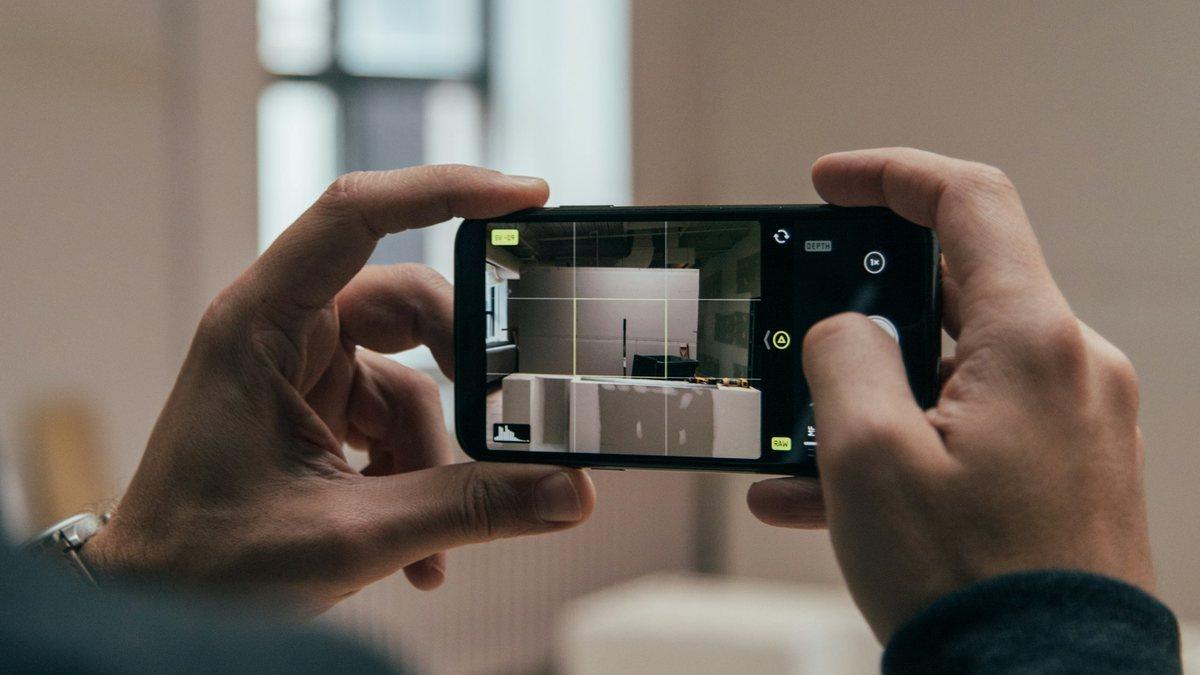
Most ergonomic assessments never happen. Not because nobody cares, but because the traditional route is slow: a specialist visits the floor, watches a task, fills in a paper worksheet, and calculates a score by hand. One station takes an hour. A plant has hundreds.
The phone in your pocket removes most of that cost. Video captures posture far more faithfully than an observer's memory, it can be reviewed frame by frame, and it gives you a record you can compare against after a change. What it does not do is think for you. This guide covers the part that still needs judgement: which task to film, how to film it, what to collect alongside the video, and which method turns it into a number that means something.
Start with a task, not a job
"Assess the warehouse" is not an assessment. "Assess the last hour of order picking, when pallets are picked below knee height" is.
Pick the task where the exposure actually is. Usually one of these points you to it:
- Workers in that area report discomfort, or the same body part keeps appearing in health records.
- The station involves lifting below the knee or above the shoulder, or sustained reaching.
- The cycle repeats many times per shift, even if each repetition looks light.
- Something changed recently: a new pallet height, a new tool, a new layout, a new product.
- Nobody has ever measured it.
Watch the task for a few cycles before you record anything. Work is rarely uniform. The first layer of a pallet and the last layer are different jobs for the back, and the awkward version is usually the one worth measuring.
Film it so the analysis is possible
The framing matters more than the camera. Any modern phone shoots at higher resolution than pose estimation needs. These six rules decide whether the result is usable:
- Choose the angle by risk. A side view is best for the back and neck. A front or back view is better for twisting and for arms moving away from the body. Pick the one that shows the primary hazard.
- Keep it steady. Rest the phone on a shelf or use a tripod. Do not walk while filming.
- Keep the whole body in frame, head to toe, especially for lifting.
- Capture at least one full cycle, from picking the load up to setting it down. Thirty to sixty seconds is usually enough.
- Light it well and make sure nothing blocks the view of the worker.
- One worker per video. Two people in frame is the fastest way to get a score for the wrong person.
Tell the worker what you are doing and why before you press record. An assessment of a task people feel is being done to them rarely leads to a change they will keep.
Collect what the camera cannot see
This is the step most video assessments skip, and it is the one that decides whether the score is real. Posture is visible. Exposure is not. The same bend at the waist is a different risk if the box weighs 4 kg or 24 kg, if it happens twice a shift or four hundred times, if the grip is a moulded handle or a cold sheet of metal.
Before you leave the floor, write down:
- The weight of the load, measured rather than guessed.
- How often the task repeats, per minute or per shift.
- How long the worker stays in the task in one stretch.
- The grip: a good handle, an acceptable hold, or nothing to hold at all.
- Horizontal and vertical distances for lifts, and whether the trunk twists.
- Whether the motion is smooth or involves shocks and jerks.
- Anything that constrains a fix: floor space, machine height, cycle time, temperature.
Match the method to the task
A score only means something if the method was built for the work you filmed:
- RULA for upper body work: assembly, packing, inspection. Light loads, many repetitions.
- REBA for whole body, dynamic tasks where the legs and lower back are involved.
- NIOSH Lifting Equation when manual lifting is the core of the job and you want a recommended weight limit.
- KIM-LHC for lifting, holding and carrying across a whole shift, and where German or European documentation is expected.
- QEC when you want the worker's own perception of effort included, not only the observer's view.
- ROSA for office and screen work.
- APLE for repetitive tasks where the posture is held rather than changing.
If manual handling dominates, running REBA and NIOSH on the same video is normal and useful. They answer different questions: how bad is the posture, and how much is too much to lift.
Turn the score into a change, then film it again
A number on its own changes nothing. Look at where the risk actually comes from and work down the list: raise the pick height, cut the reach distance, add a handle, reduce the weight per unit, split the cycle, rotate the task, add a lift assist. Bring the operators and the line supervisor into that conversation, because they know which of these will survive contact with the shift target.
Then film the same task again, from the same angle, under the same conditions. Without that second video you have an opinion about the improvement. With it you have evidence, and the before and after pair is what convinces a works council, an auditor, or a plant manager holding a budget.
Where ErgoRisk fits
ErgoRisk is built for exactly this workflow. You upload the phone video, we run the pose estimation server side, and the joint angles come back measured rather than eyeballed:
- The validated methods, not our own scoring. REBA, RULA, ROSA, NIOSH, QEC, APLE and KIM-LHC are computed the way the published rules define them, so the result is defensible.
- Lifting detected automatically. For NIOSH you no longer hunt for the right frames. The lift is found in the video and you confirm it.
- A confidence score on every video, from 0 to 100%. Below 70% you get a warning that names the body parts that were out of frame or occluded, so you know when to re-record instead of trusting a bad number.
- Angle charts over time for neck, trunk, upper arm, lower arm, wrist and legs, so you can jump to the exact frame where the hazardous posture happens.
- Prioritised recommendations and a PDF report per task, ready to hand to a safety committee.
The judgement stays with you. A qualified professional should always read the result in the context of the workplace, and the video will never tell you what the box weighs. Everything between those two points, we automate.
Questions we get asked
Can a video really replace an on-site assessment? For posture measurement it is usually better, because it is repeatable and reviewable. It does not replace being on the floor to learn the load, the frequency and the constraints on a fix.
How many cycles should I record? At least one complete cycle, and separate videos for the variations that look meaningfully different, such as the top and bottom layers of a pallet.
What if the same job is done differently on each shift? Assess them as different tasks. Averaging two working methods into one score hides the version that is hurting someone.
Do I need a special camera or a gimbal? No. A phone on a stable surface is enough. Framing and angle matter far more than the sensor.
What if the video quality is poor? Check the confidence score before you act on the result. If it flags occluded body parts, re-record rather than reporting a number you cannot defend.
Bring one real task video and we will walk through it with you: book a demo, or start with a single upload in the first analysis wizard.